timar wakes the machines in your homelab, updates them, reads their logs, and
puts them back the way it found them. Nothing is installed on them — it
needs SSH, and Wake-on-LAN for the ones that sleep. Between runs they stay dark, which is
why most of them are off in the first place.
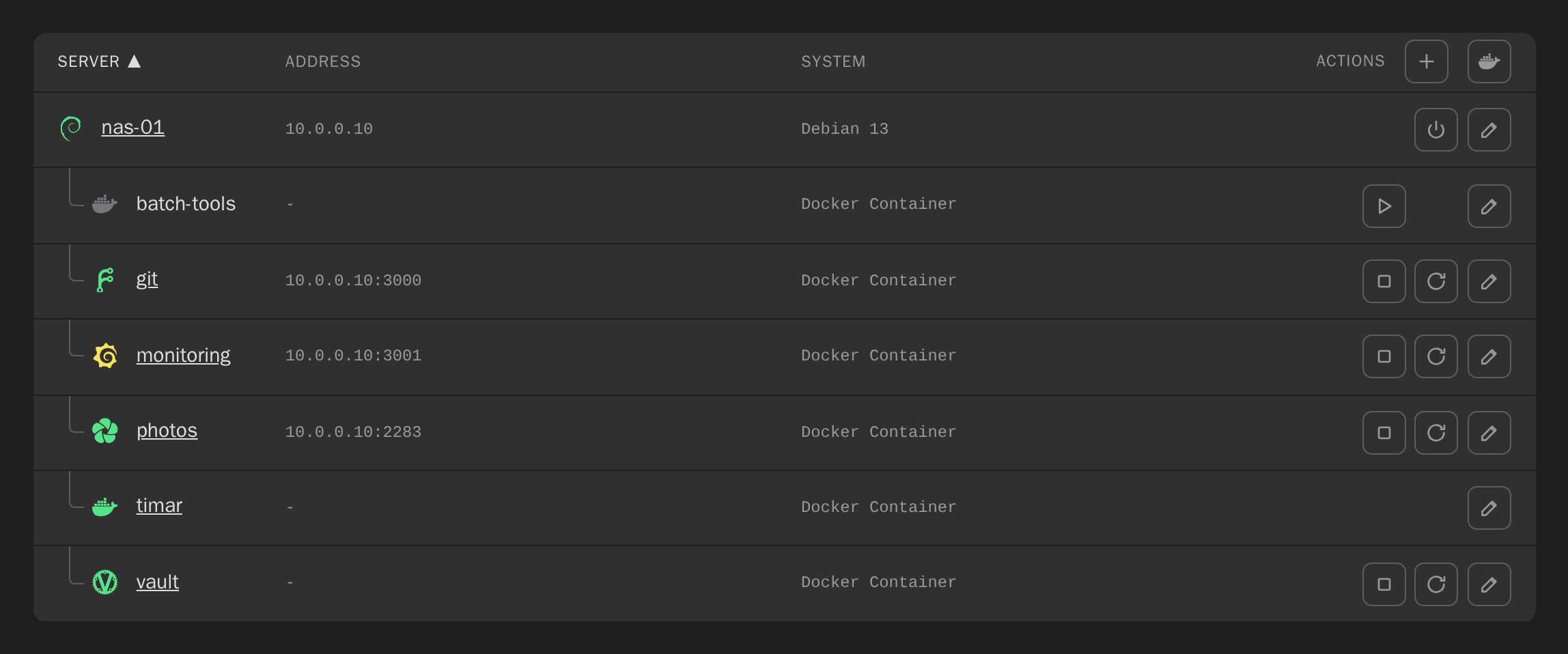
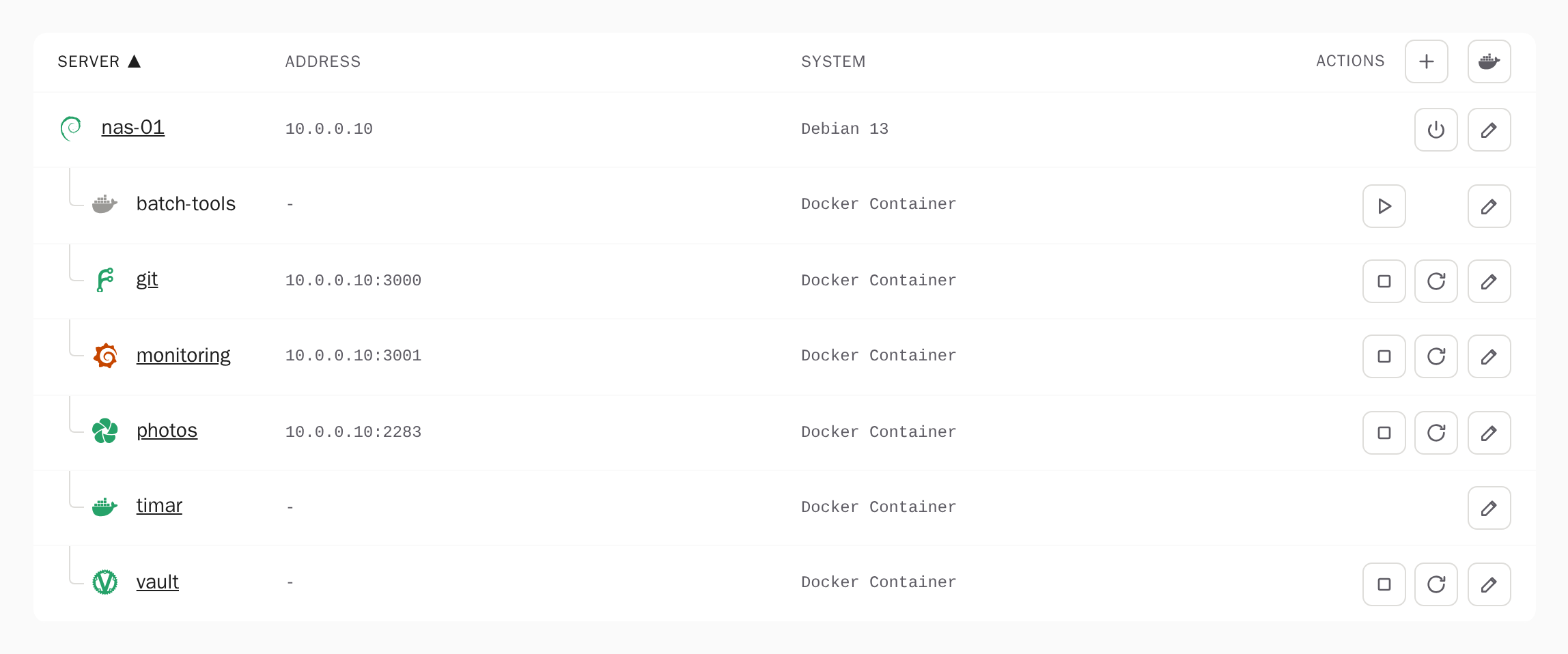
Each machine's logo (Debian, Ubuntu, Proxmox, OpenWrt, OctoPrint and more) takes the colour
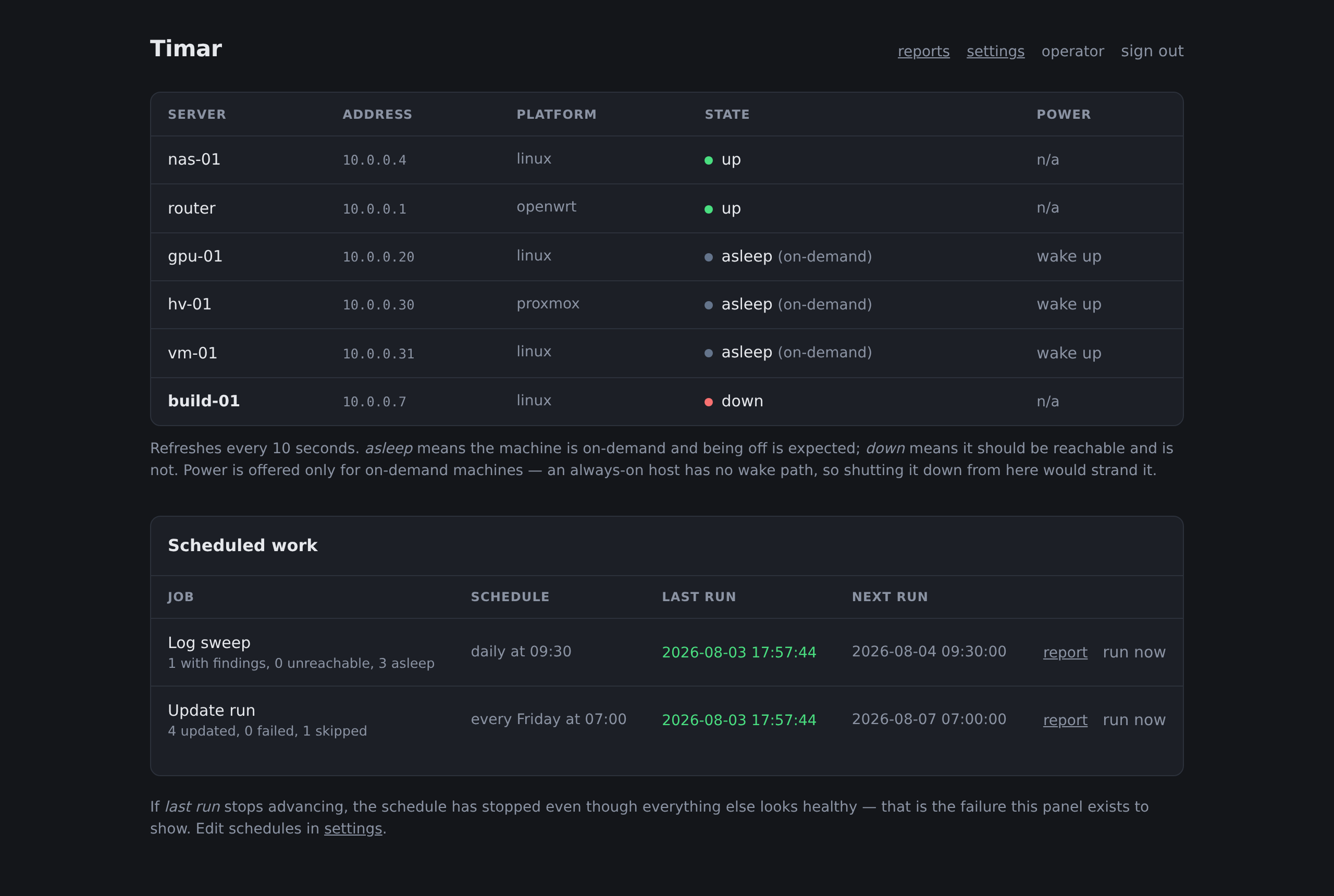
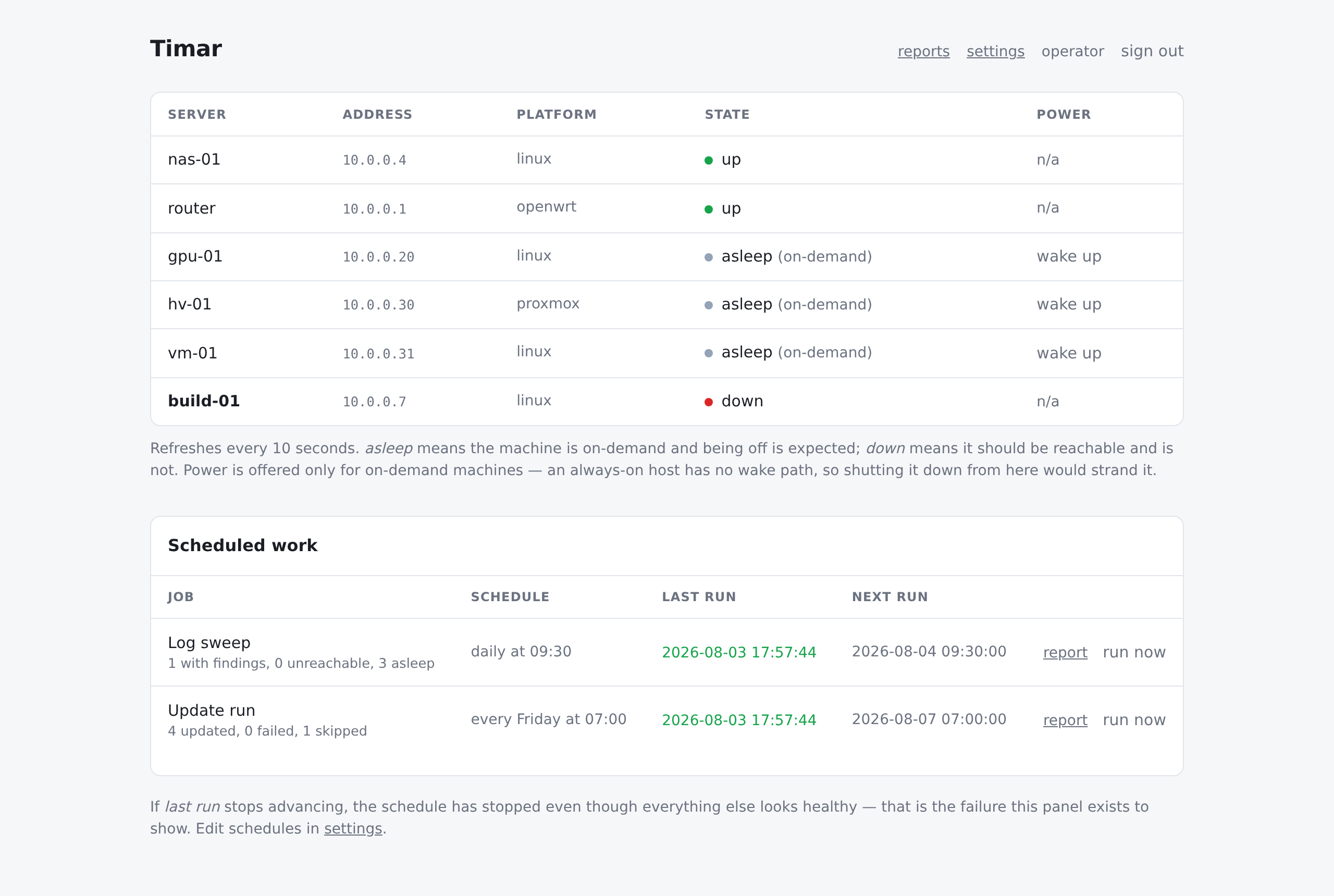
of its state. There are three states, not two: grey asleep is a machine that is
meant to be off, and it is not painted like a fault. A status page that shows both in red teaches you to ignore
red. The counts above the table filter it, a hypervisor's VMs sit under it, and each row
names the system it runs. A server is added, edited, enrolled and removed from its own dialog.
The problem
A sleeping machine cannot phone home.
Homelab machines are mostly off. The GPU box runs when you need it, the build
server sits dark for a week. Tools built for always-on fleets assume an agent that reports
in — the one thing a powered-down machine cannot do. So the machines that go longest
without a security update are the ones nothing is watching.
timar inverts it. Waking the host is step one of the
job, and shutting it back down is the last. A machine that was off before the run
is off after it.
What a run does
Wake, work, and put it back.
Wake what is asleepA magic packet, or qm start on the hypervisor for a guest — a VM has
no wake address of its own. For another subnet, a relay on that segment sends the
packet.
Update it with the command its platform actually hasapt on Debian, dist-upgrade on Proxmox, or your own command. OpenWrt is skipped by
default: an unattended apk upgrade can fill the overlay or break a kernel
module on the machine carrying the session you would repair it from.
Update its containersEach Docker Compose project registered on that machine: pull, then
up -d if it was running — never a down first, so a failed pull
leaves it as it was. A stopped project is pulled and left stopped.
Sweep the logs while it is upSystem log errors, disks past a threshold, stopped containers — and scheduled jobs
on that machine that did not run today. Watching for absence is the point.
Shut down whatever started offGuests first, then their hypervisor, in order. Anything that was already running
is left running.
Its own machine lastThe host timar runs on is updated after every other machine: its containers first,
then its packages, handed to that host's systemd. If upgrading Docker restarts timar, the
new process finishes the same run and reports every machine in it.
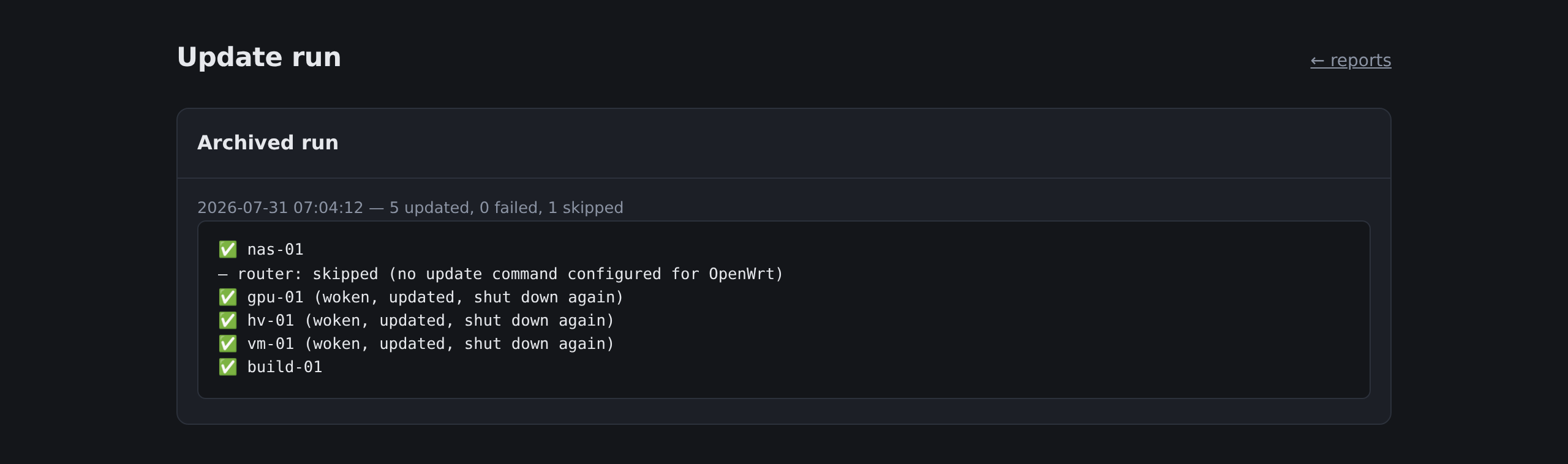
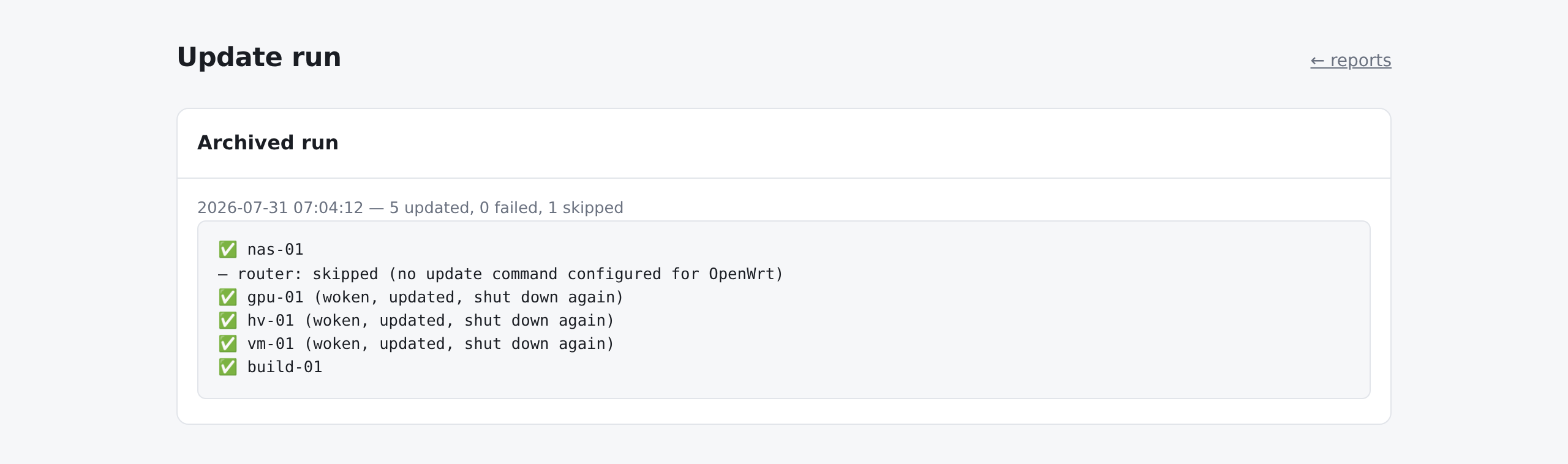
A run says what it did to each machine and each project. The three annotated
machines were asleep before the run and are asleep again; what was skipped says why, not
quietly left out.
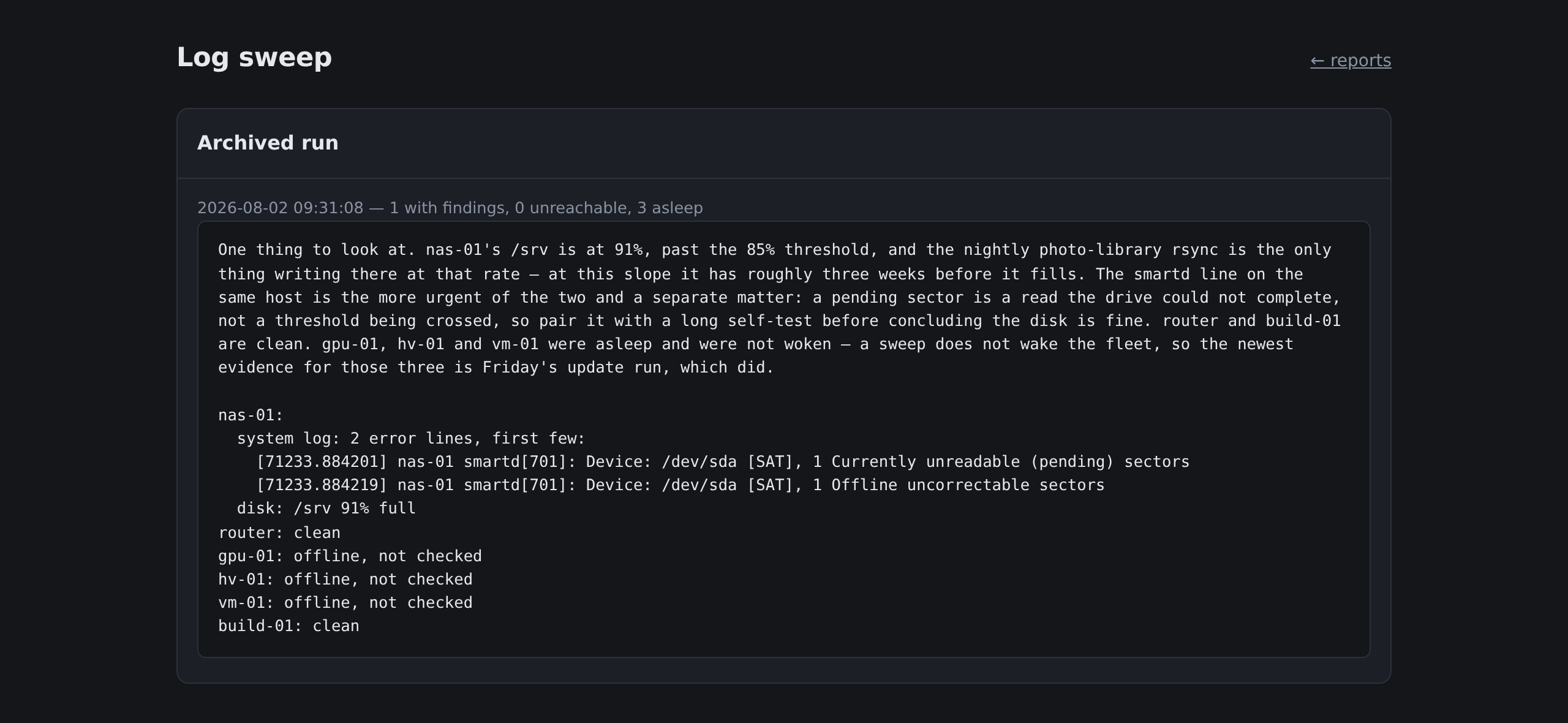
The reports outlive the notification. Every finished run is archived, so
a disk creeping upward or an update failing every Friday shows up as a series. Telegram
delivery is a copy, not the only place the findings exist.
The written assessment sits above the findings it came from, never instead of them. A
machine that was asleep is not checked, not clean — a sweep does not wake the
fleet, and calling an unchecked host healthy is the one thing a status page must not do.
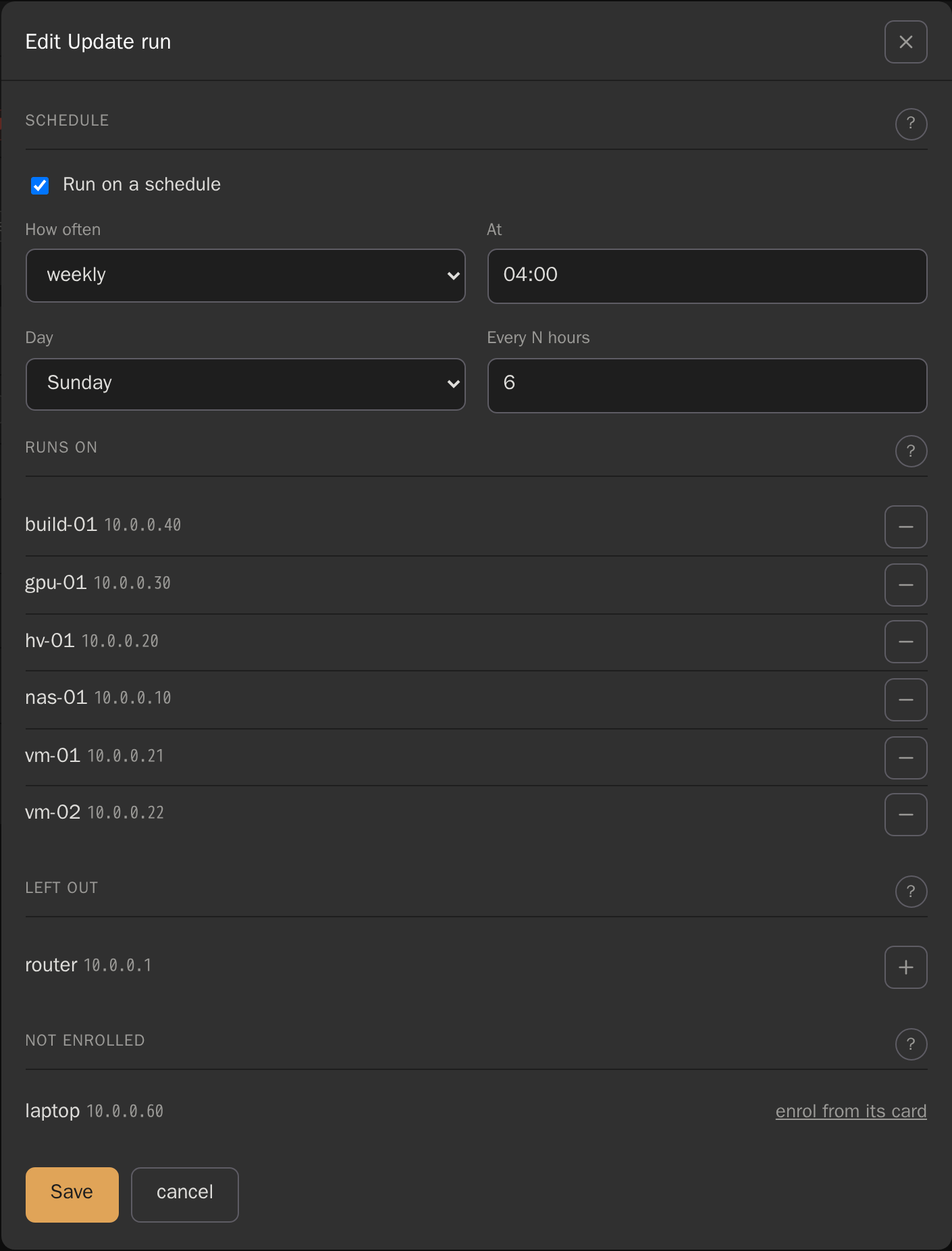
Each job says where it runs. The pencil on a job
opens its schedule and its servers: everything enrolled runs, − leaves a
machine out of that job, and one timar has never logged in to links to its card to be
enrolled. A running job has a stop: it finishes the step it is on — and
still shuts down what it woke — then goes no further.
Containers sit under the host they run on, one row per Compose project: state from one
docker ps per host, the address it is published on, start, stop and restart,
and an update with every run. Each project wears its
application's logo, read from its images, and Docker's whale when it is a local build. Yellow means running but not
well — a failing healthcheck, a crashed container, a health address that stopped
answering. timar will not stop the project it runs in.
Measured, not assumed
The failures here are the quiet kind.
A magic packet that never leaves the host. A disk check that fails and reports all-clear.
A schedule that stops firing and logs nothing. None of these announce themselves, so the
decisions behind them were measured, not reasoned about — the measurements are in
ARCHITECTURE.md.
0 → 1
Packets on the wire
Wake-on-LAN from a bridge network: the send succeeds, no error, and tcpdump
on the LAN sees nothing. Host networking, same image, same button: one packet. That is
why the compose file ships network_mode: host.
3.02s → 0.002s
Probes off the page
Most of the fleet is supposed to be unreachable, so a probe timeout is the normal case.
A background task asks every host every minute and the page reads the last answer:
measured on a sixteen-machine fleet, nine of them off, it no longer waits at all.
127 MB
The whole thing
One Alpine image, running as a non-root fixed UID, for amd64 and arm64. A Raspberry
Pi is a first-class host.
Platforms
Commands that exist on the machine you pointed at.
A check that cannot run on a platform says so, instead of reporting all-clear. Every
command was tried on a real host of that platform first: one df flag GNU
accepts and busybox rejects once made a disk check that passed on every router.
Platform
System log
Disk
Containers
Unattended updates
Linux (systemd)
journalctl
yes
Docker
yes
Proxmox VE
journalctl
yes
guests via qm
yes
OpenWrt
logread
yes
—
off by default
Run it
One container, one volume.
$ curl -O https://raw.githubusercontent.com/orkun-soylu/timar/main/docker-compose.yml
$ docker compose up -d
Open http://<host>:8080 and create the operator account — nothing else
answers until you do. Everything an installation is — config, credentials, state,
reports, the SSH key — lives in /data, so backup and migration are
cp -a.
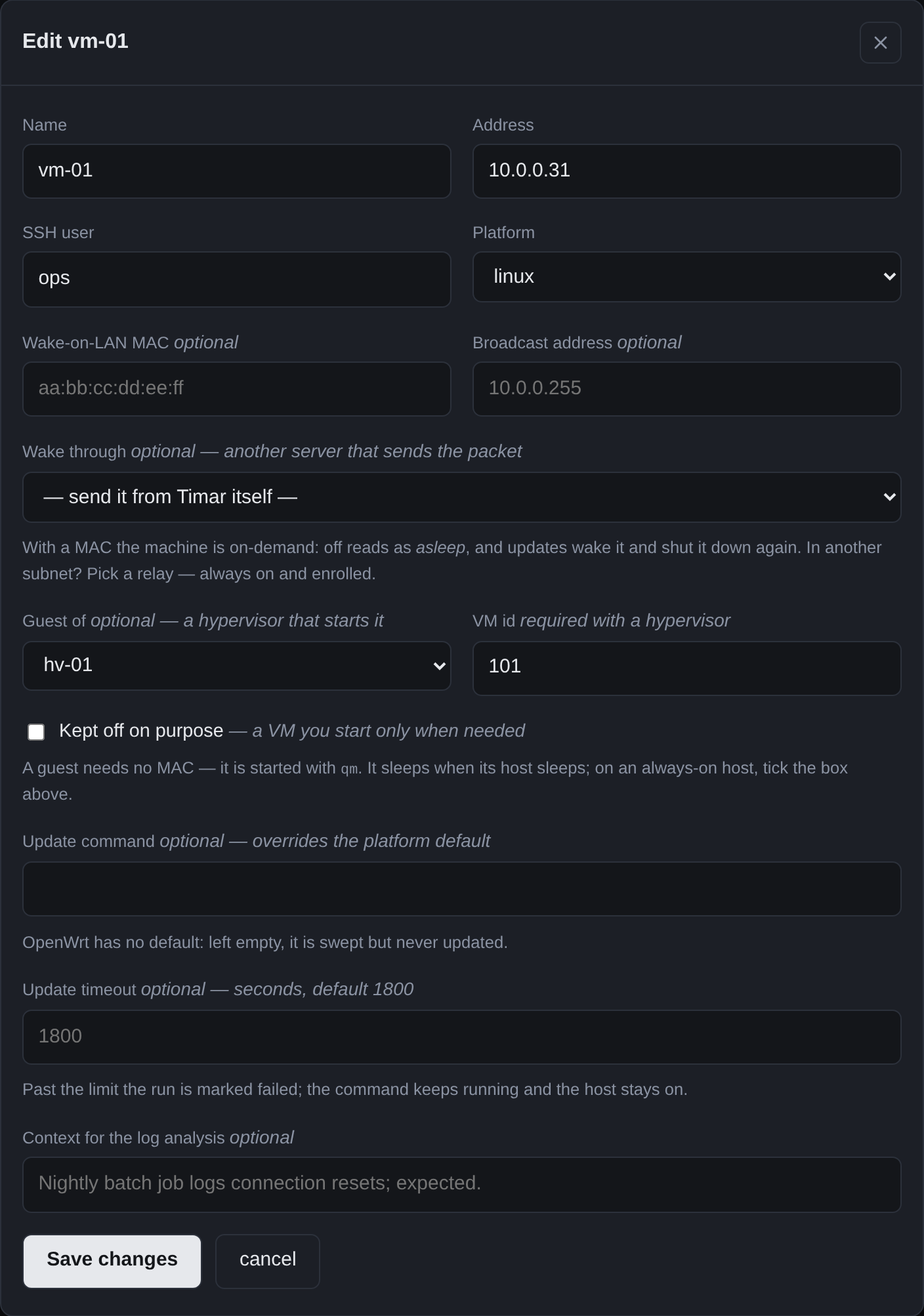
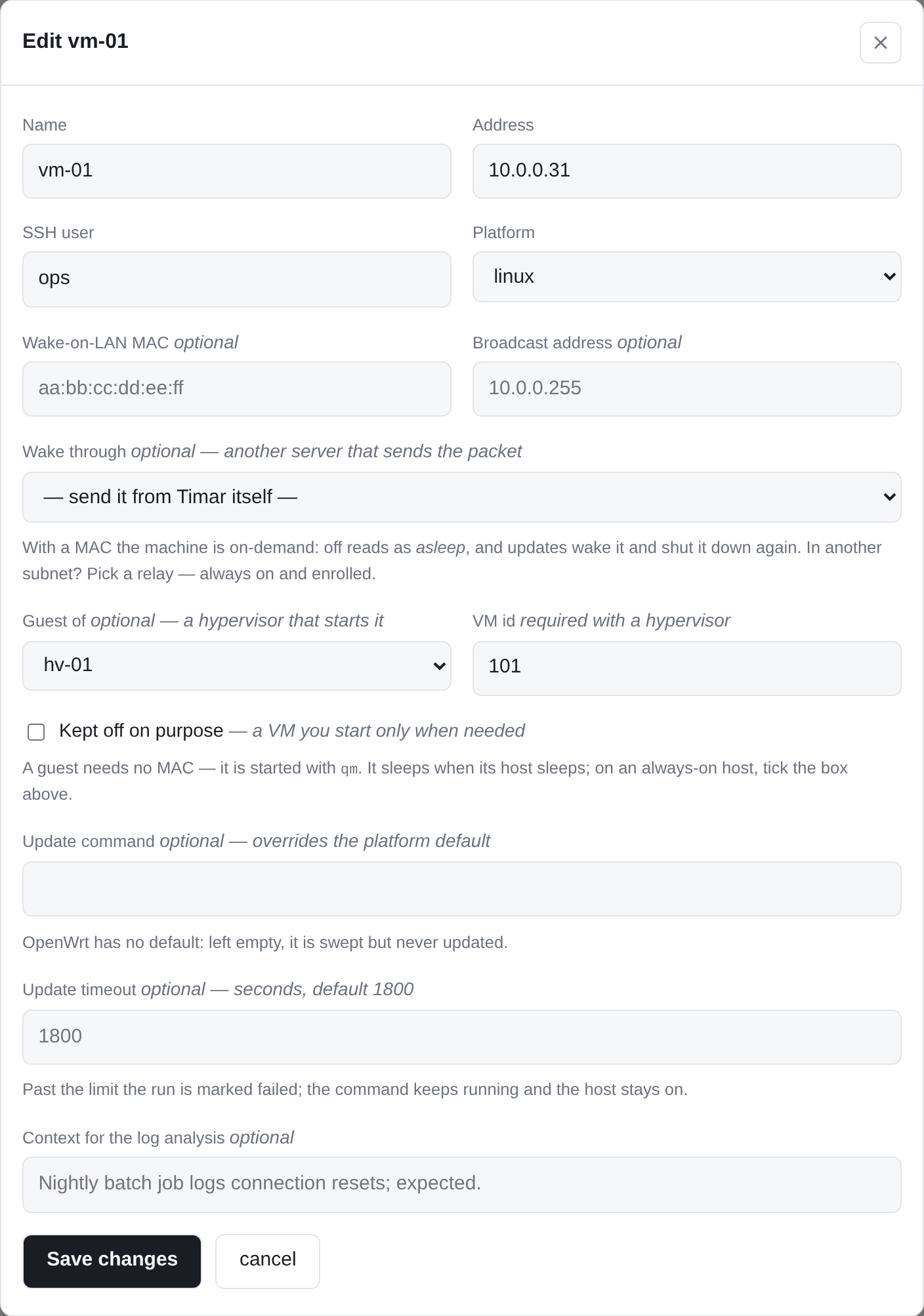
One dialog per server. Its details, how it is
updated, and SSH access — where it is enrolled with your password once, never stored —
each with a ? that explains it. Underneath it is still just
config.yaml, which you can edit by hand.
The name links to the machine's own panel while it is up. It can also link to a program
on your machine, such as claude://open for a terminal, once that scheme is
listed in link_schemes in the file. The form cannot add one, and schemes
that would run inside the page are refused even when listed.
A VM has no wake address of its own, so it names the hypervisor that starts it and
inherits on-demand from it — otherwise every night it spends off would be
reported as an outage.
Do not expose this to the internet. timar holds an SSH key that reaches
every machine it manages and can grant itself sudo on them. Keep it on a
private network, or behind a reverse proxy you control.
Nothing to install on the fleet
SSH, and Wake-on-LAN for the machines that sleep. timar generates its own keypair on
first use, installs it with your password once, and pins each host key on first sight.
Optional, not required
A model to summarise sweeps (Anthropic, any OpenAI-compatible endpoint, or Ollama) and
Telegram for delivery. Without them everything still works — you get the raw findings
instead of a written assessment.